How to Make a W Chews Video
Make a W Chews meme with an adult portrait and a food image. Choose your reaction, complete payment and download a 6-second video with music and a caption.
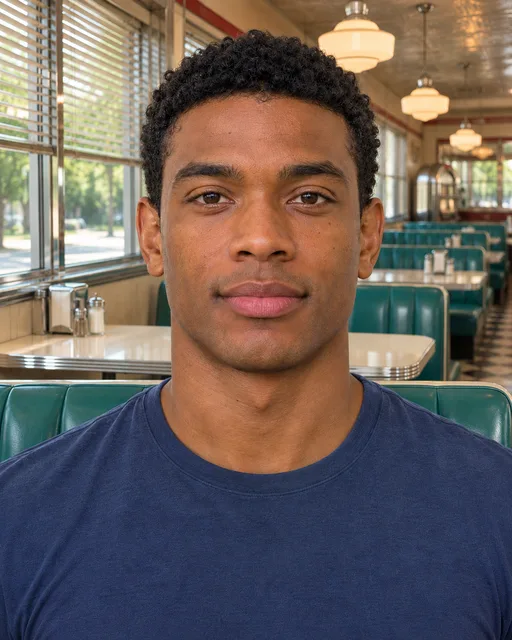
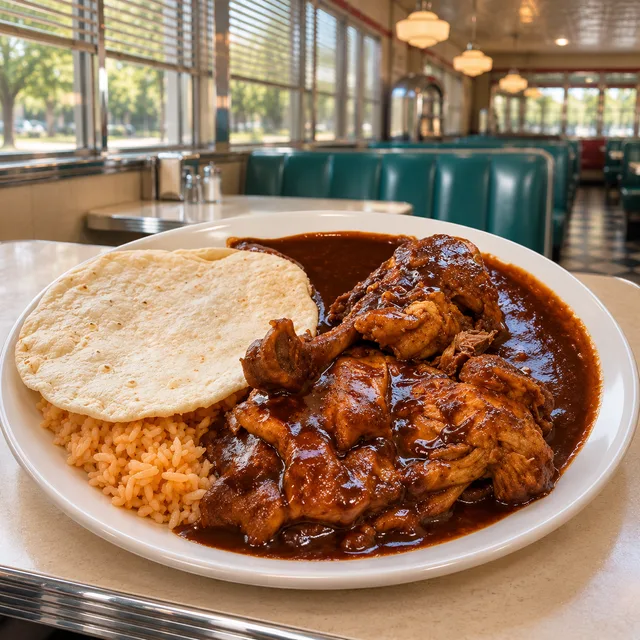
Compare the W Chews and L Nibbles examples to choose the performance you want.
Choose two clear photos
Use a well-lit portrait of one adult, with the face clearly visible. You must be that person or have their permission. Add a separate photo showing the food without other people. Use images you own or have permission to use.
The workspace accepts JPG, PNG, WebP and HEIC files up to 8 MiB each. The longest edge must be at least 512 pixels. HEIC photos are converted to JPG in your browser.
Pick W Chews or L Nibbles
Choose W Chews for a satisfied reaction or L Nibbles for playful disappointment. These are fictional performances selected by you.
Review your photos
Check both previews, replace either image if needed, then confirm that you are an adult and have the necessary permissions. Local drafts last for 24 hours after the last edit in this browser.
Generate your video
Select Generate video, then sign in if needed and complete payment. One video costs US$6.99, with any applicable tax shown at checkout. You return to your photos and generation starts automatically once payment is verified.
Download your finished video
Your result is a 6-second, 720p vertical MP4 with the chosen verdict and music. It will appear privately in My videos and remain available for 30 days. Download a copy to keep it.