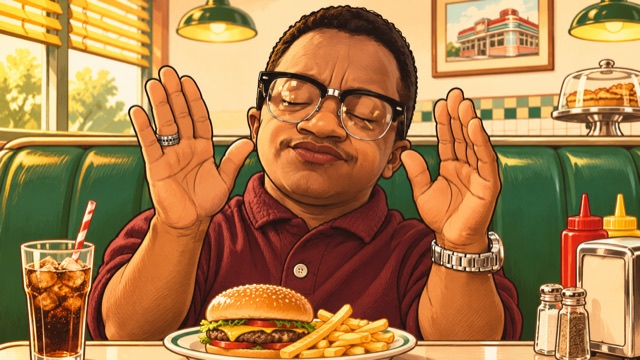
W Chews GIFs & Meme Templates
Looking for Mini Producer’s W Chews reaction? Find GIF uploads, the familiar raised-hands clip and green-screen sources below. Choose the version you need and open its source to save, share or edit it.
Mini Producer eating reaction
Tenor · marianowo
A short looping eating reaction tagged W Chews and Mini Producer. Open the upload to choose the available GIF version.
Open GIF on TenorW Chews fork reaction
Tenor · chris12345677
Mini Producer in glasses and a red shirt, holding a fork near his face. This is a different reaction from the raised-hands emote.
Open reaction on TenorThe raised-hands W Chews edit
Instagram · @ballsitchingshi
The reaction edit linked in Know Your Meme’s October 27 timeline. Start here if you mean the familiar hands-up performance.
Watch the source editGreen-screen edit sources
I Green Screen Things
Visit the publisher’s linked channels and look for its W Chews green-screen post. This opens a creator directory, not a direct template download.
Open the creator’s channels
Sources checked November 8, 2026. External platforms may require sign-in or vary by region. Report an unavailable resource.
Which W Chews template do you need?
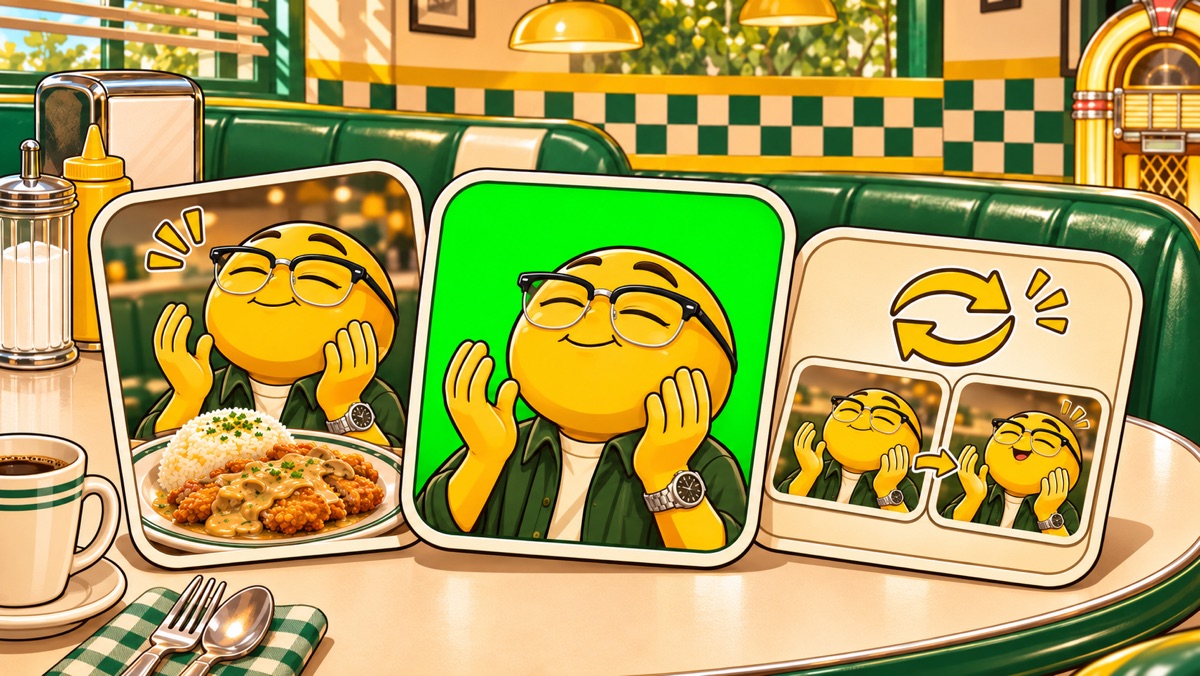
A GIF is useful for a quick reply. A reaction clip gives you a moment to cut into a video. A green-screen version is intended for placing the performer over another background. Choose the format that fits your edit instead of treating every file as the same template.
The familiar person is Mini Producer, also known as Jay Thomas Manuel. The documented meme timeline links the raised-hands edit and later variations. A familiar face alone does not establish whether a particular scene is original footage or an AI edit.
How to use a W Chews green-screen template
- Open the publisher’s post and use its available save or download option.
- Add the clip as an overlay above your food photo or video in an editor that supports chroma key.
- Select the green background with the keying tool, then adjust the edges so the hands and glasses remain intact.
- Position the reaction, trim it to your joke and credit the source when required.
Need the words for your post? Read what W Chews means, compare L Nibbles, or use W Sips for a drink that delivers.
Want yourself in the reaction?
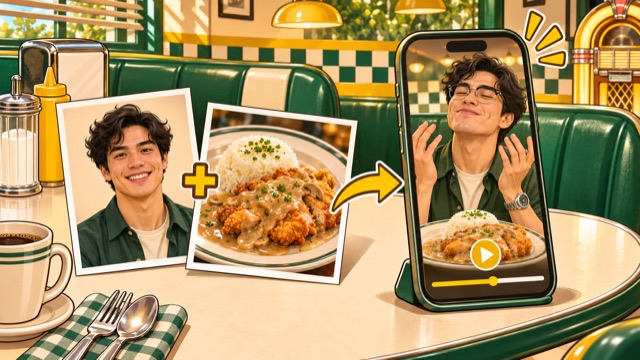
If you want your own face and meal in the scene rather than an existing Mini Producer clip, our creator makes a personalized food-reaction video. The creation guide walks through that separate option.
W Chews questions, answered
Where can I find a W Chews GIF?
Start with the specific Tenor uploads above. Each source page shows its available formats and sharing options; some results are still reactions rather than animated loops.
Is the raised-hands emote the same as every Mini Producer GIF?
No. Eating clips, the fork reaction and the hands-up emote are different moments. Use the source edit above when you want the familiar raised palms.
Can I download a green-screen template here?
This page links to the green-screen publisher’s channels, not a file hosted by W Chews AI. Check the post for the publisher’s available download and reuse options.
Does opening a resource charge me or start generation?
No. These links open external source pages. Making a new video with your own photos is a separate purchase in our creator.
Are these official or commercially licensed Mini Producer assets?
These are third-party uploads and references, not an official asset pack or a commercial-use license. Check the source and applicable permissions before reusing a clip.